Camera settings for headshots: aperture, shutter, ISO, focus and lens
The camera settings we use for studio-lit headshots on location, from aperture and focal length to autofocus, white balance and file format for tethering.
Headshots are a forgiving subject for camera settings. Your light does most of the work. But a few choices matter a lot: sharp eyes, flattering perspective and consistency from the first sitter to the last. Here's where we start.
Lens and focal length
Use 85 mm to 135 mm (full-frame equivalent). Longer focal lengths flatten facial features in a flattering way and let you stand a comfortable distance from the sitter. A 70–200 mm zoom is the workhorse for many headshot photographers because you can reframe for tall and short people without moving.
Avoid wide lenses close to the face: they enlarge the nose and shrink the ears.
Aperture
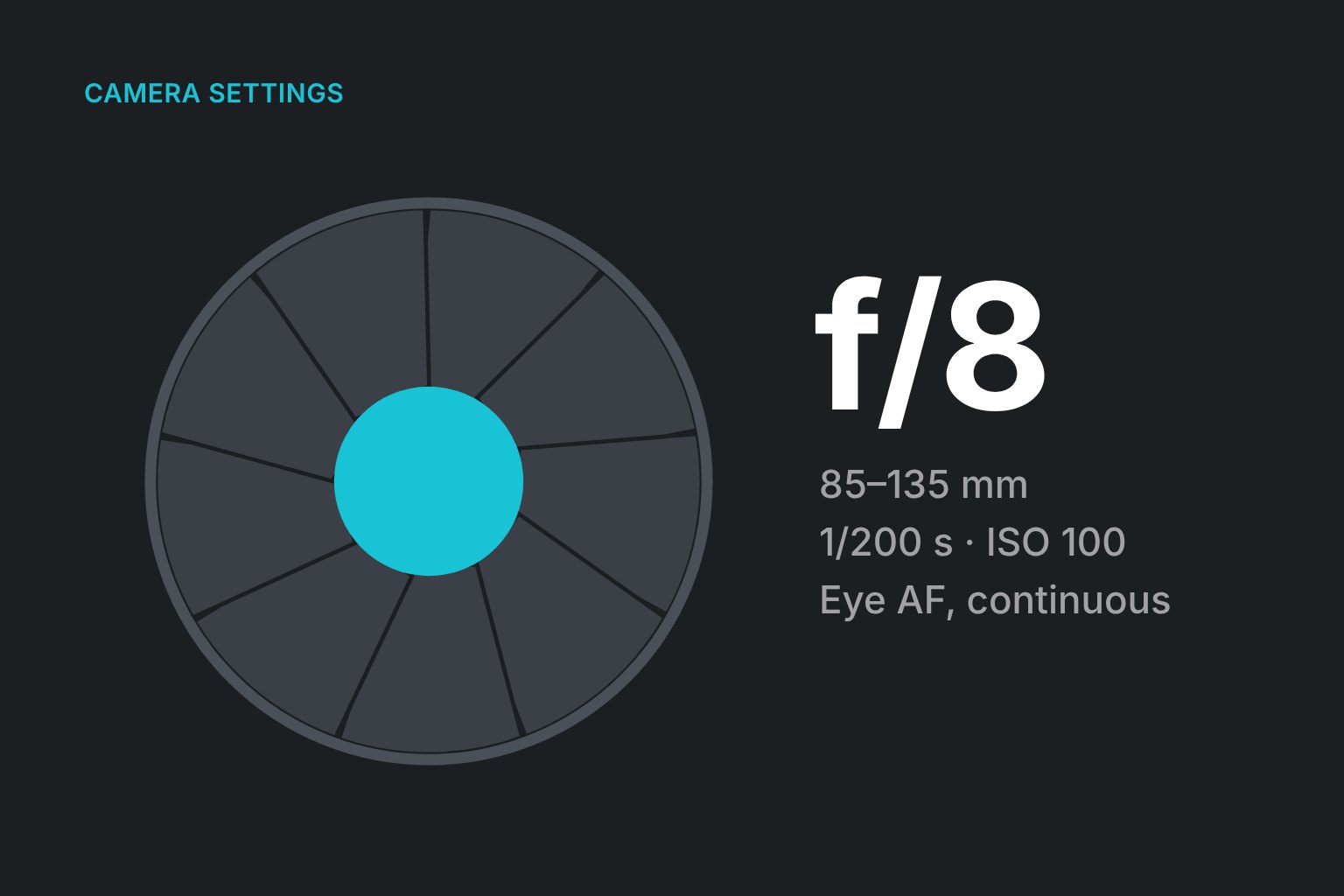
Start at f/5.6 to f/8 for lit corporate headshots. That keeps both eyes and the tip of the nose sharp even when someone leans a little. Wide apertures like f/1.8 look lovely for a single portrait but lead to soft eyes when you're photographing 80 people who all move slightly differently.
If you want more background blur, move the sitter further from the backdrop rather than opening up.
Shutter speed and ISO
- With flash or strobes: use your camera's sync speed or slightly below (often 1/160 to 1/250 s). The flash freezes motion, and the shutter mainly controls how much ambient light gets in.
- ISO: base ISO (100 or 200). With flash, you rarely need more.
- With continuous light: keep the shutter at 1/200 s or faster to avoid micro-blur, and raise ISO as needed.
Focus
- Eye autofocus on modern mirrorless cameras is a gift for headshots. Set it to detect eyes and prioritize the nearest one.
- Continuous AF (AF-C / AI Servo) handles small movements as people settle.
- On older bodies, use a single focus point on the near eye.
Check focus at 100% on the first few frames of every sitter, especially people with glasses.
White balance
Set a fixed white balance (for example, flash or a custom Kelvin value) rather than auto. Auto white balance shifts slightly frame by frame, which makes a team page look inconsistent. Take a frame of a grey card at the start of the day for reference.
File format for tethering
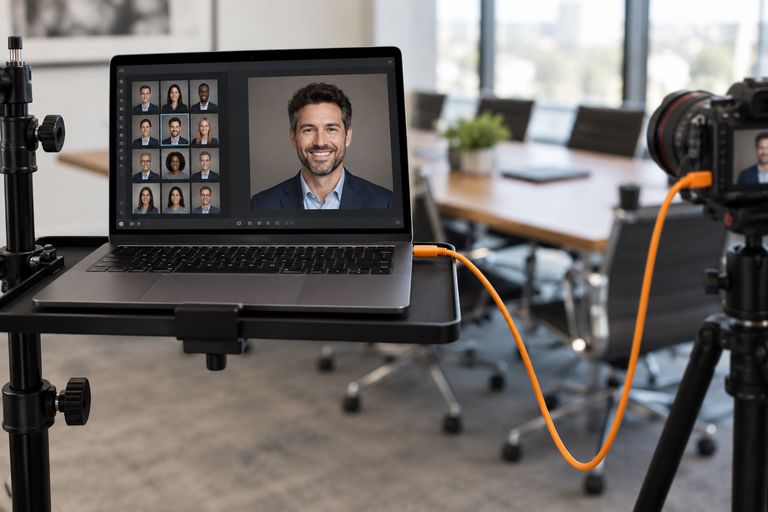
- RAW gives you room in post. Tethered RAW files are larger, so transfers take a moment longer.
- RAW+JPEG lets viewing tools show sitters a quick JPEG while you keep the RAW for retouching. ShootPick pairs them and shows sitters the JPEG.
- JPEG only is fastest and fine when you're delivering straight out of camera with a set look, as at some event booths.
Our starting point
| Setting | Starting value |
|---|---|
| Focal length | 85–135 mm (full-frame equivalent) |
| Aperture | f/5.6–f/8 |
| Shutter | Sync speed with flash (1/160–1/250 s) |
| ISO | Base (100–200) |
| Focus | Eye AF, continuous |
| White balance | Fixed (flash or Kelvin) |
| Format | RAW+JPEG when tethering |
Then adjust for your light, your camera and your look, and lock it in for the day.
FAQ
What is the best aperture for headshots?
For lit headshots, f/5.6 to f/8 keeps both eyes and the face sharp while still separating the person from the background. Use wider apertures only for single portraits where you can check every frame.
What is the best lens for headshots?
An 85 mm prime or a 70–200 mm zoom on full frame. Both give flattering perspective and comfortable working distance.
Should I use auto white balance for headshots?
No. Set a fixed white balance so every person on the team page has the same color, then fine-tune in post if needed.