Stop chasing headshot selections: on-site picking vs online proofing galleries
Why online proofing galleries stall corporate headshot jobs for weeks, and how on-site selection gets every person's pick before they leave the room.
Ask any headshot photographer about the worst part of a corporate job and you'll rarely hear "the shoot". You'll hear about the weeks after it: the proofing gallery that half the team never opens, the reminder emails, the spreadsheet of choices, the person who picked the wrong file name.
There's a better way, and it's simpler than it sounds.
How the usual proofing flow goes
- You shoot 40 people and sort frames by person that evening.
- You upload a proofing gallery, one folder per person or one big gallery.
- The client's office manager forwards the link.
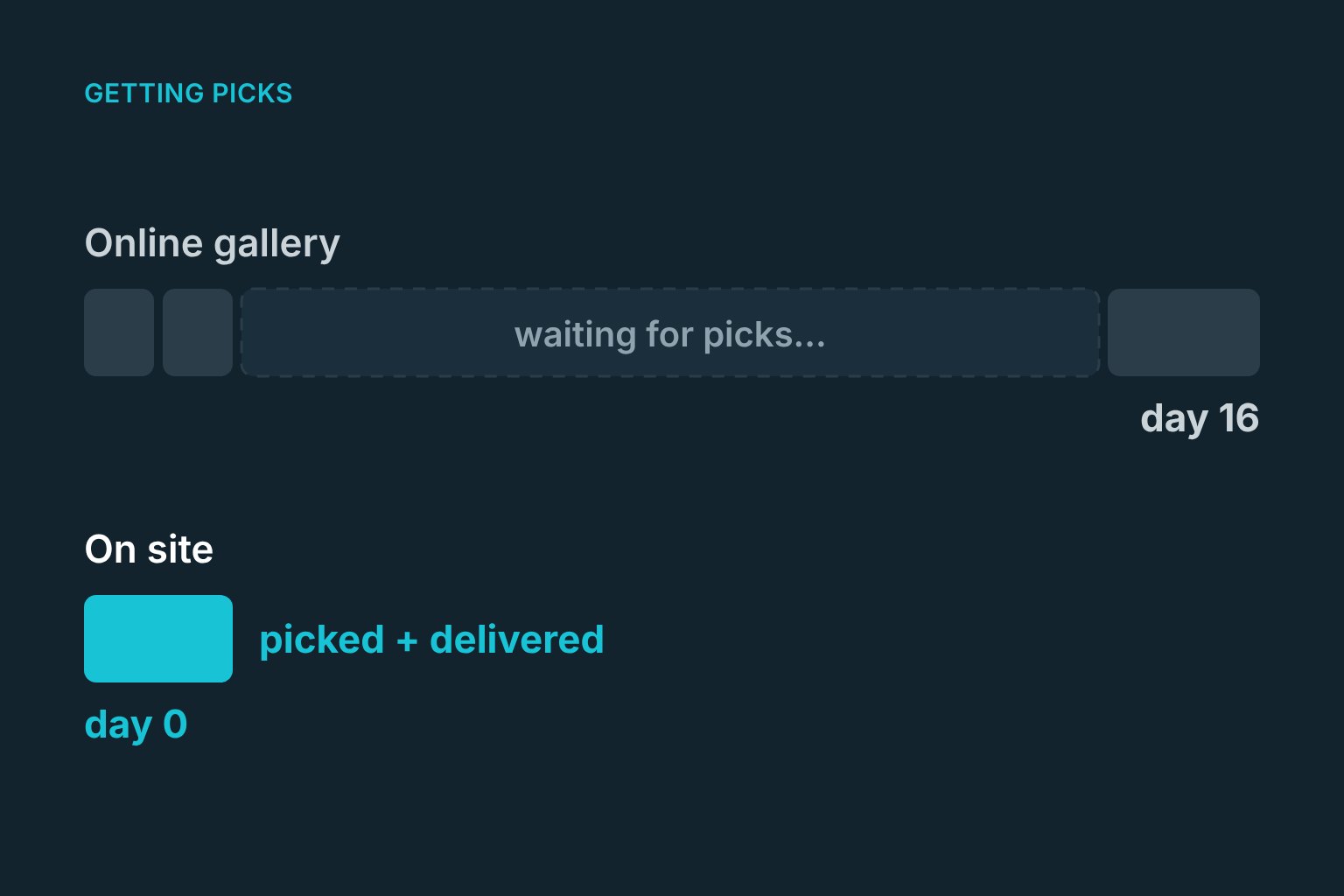
- A third of people choose in the first two days. The rest need reminders.
- Two weeks later you're still waiting on five people, and your invoice depends on delivery.
- Someone chose an image of a colleague by mistake, or two people picked the same file.
Every step is admin you don't bill for, and the job sits open for weeks.
Why people don't choose online
- Out of context: a month later the shoot is forgotten and the link is buried.
- Too much choice: 30 near-identical frames, no guidance, and a nagging feeling they don't look like themselves.
- No deadline that matters. "Please choose by Friday" doesn't beat their actual job.
On-site selection
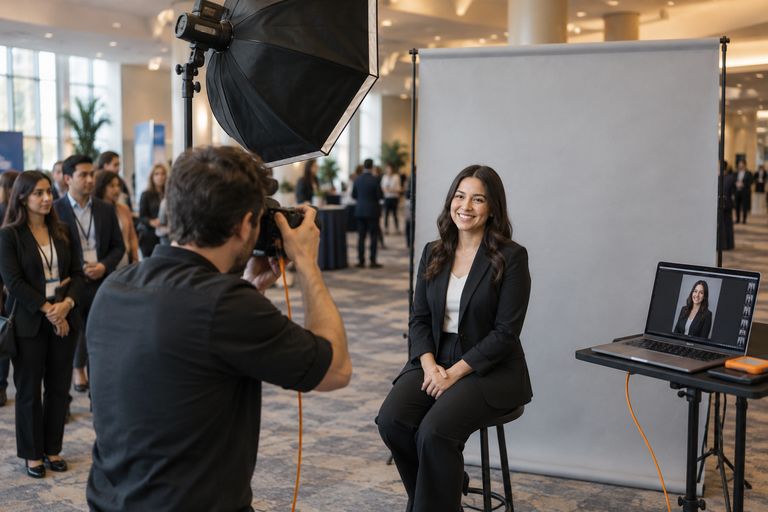
The alternative is to have each person choose before they leave. Right after their turn, they flip through their frames on an iPad or screen at your station, mark a few favorites and pick one. You can guide them ("this one's great, your eyes are lovely here"), which leads to better choices and happier clients.
What changes:
- Nothing to sort. Frames are grouped by person during the shoot.
- Nothing to chase. Everyone has chosen by the time you pack up.
- Retouch only the picks. You know exactly which files to edit.
- Faster delivery. Untouched picks can go out by email that day, or after a light retouch the next morning.
- Happier sitters. People are more confident about a photo they chose with the photographer beside them.
Making it work on a busy day
- Keep the choice small. Show the best 10 to 20 frames, not 60. Cull obvious misses as you go.
- Set a time box. A minute to choose is enough for most people. Hesitant sitters can heart two or three and decide later.
- Use a second device. An iPad facing the sitter while you prepare for the next person keeps the line moving.
- Capture an email. Each person enters where to send their photo, so delivery doesn't depend on the client's admin.
- Agree on what the client sees. Some clients want to approve every image, others just want a list of who chose what.
When online proofing still makes sense
Proofing galleries are still right for some jobs: large group sessions where people choose together, family portraits, or clients who insist on reviewing everything. For one-person-at-a-time corporate and event headshots, on-site picking is faster for everyone.
How ShootPick does it
ShootPick groups every tethered frame under the sitter in front of you. When their turn ends, they choose on the iPad at your station and their pick lands in their inbox within a minute, or goes into a retouch queue first if you prefer. The client gets a picks report instead of a hard drive. See it in a clickable demo.
FAQ
How do I get clients to choose their headshots faster?
Have them choose on site, right after their session, on a screen or iPad at your station. Choices made in the moment are faster and people feel better about them.
How many headshot images should I show a client?
For on-site picking, 10 to 20 good frames is plenty. Cull obvious misses during the shoot so the choice is easy.
What is the best proofing software for headshots?
For one-person-at-a-time headshot days, a tool that lets each person choose on site and receive their photo immediately beats a traditional online proofing gallery. For family or group sessions, classic online proofing tools still work well.