How to run a headshot booth at a conference or trade show
Booth layout, lighting, line management, throughput, sponsor branding and lead capture for event headshot booths that photograph hundreds of people a day.
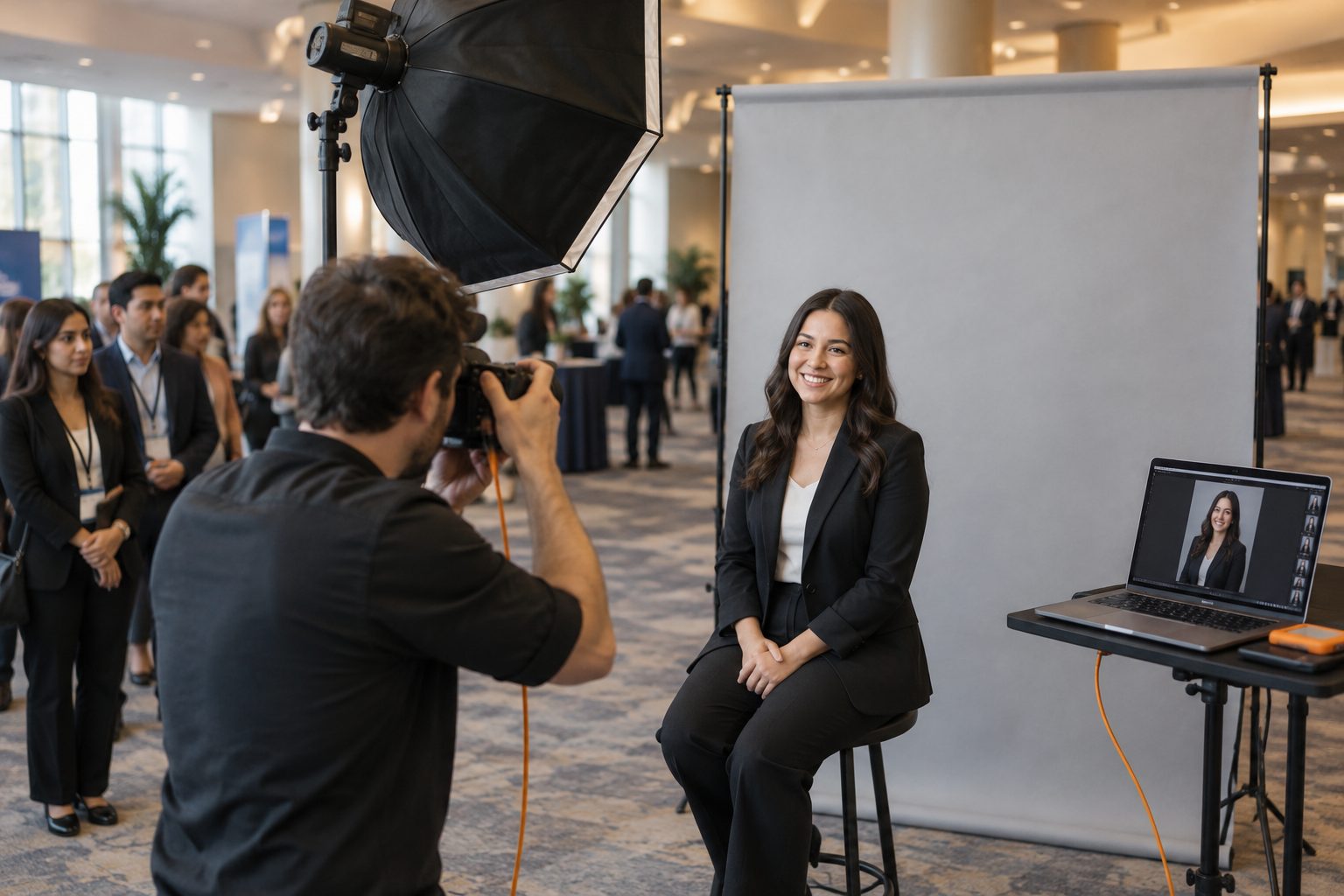
A headshot booth is one of the most popular things at a conference. Attendees line up for a free professional photo, the sponsor gets goodwill and leads, and the photographer gets a full day of paid work. It's also one of the hardest headshot formats to run well, because the line never stops.
Here's how to set one up so you can photograph hundreds of people without the line or the delivery falling apart.
Plan for throughput
Everything flows from one number: how many people per hour? A practical pace for a single-camera booth is about one person every two to three minutes, including posing, a few frames and choosing. That's 20 to 30 people an hour, or 150 to 200 over a long day.
To go faster, don't rush the sitter. Remove everything else around them:
- Check-in away from the camera. A host greets people, takes names and emails, and has the next person ready.
- Fixed lighting. Set it once and lock it. No adjusting between people.
- A mark on the floor and a stool at the right height.
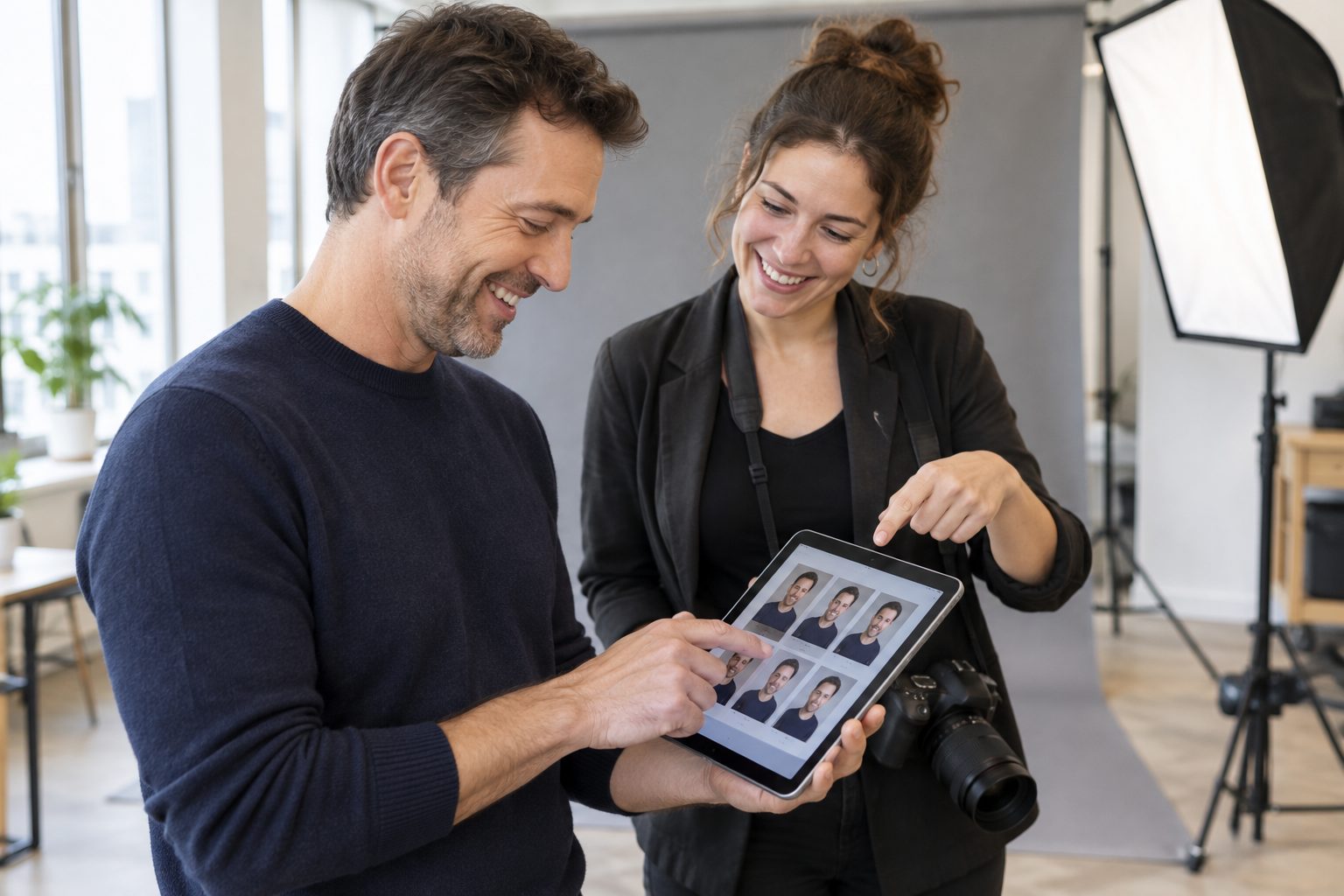
- Choosing on the spot. If each person picks their photo at the booth, you don't have hundreds of follow-ups later.
- More stations. Two cameras with two hosts roughly doubles capacity.
Booth layout
A typical 3 m × 3 m (10 ft × 10 ft) booth works:
- Queue and check-in at the aisle side, with a sign and a host.
- Mirror and touch-up area while people wait: comb, lint roller, blotting papers.
- Shooting area at the back: backdrop, stool, lights, camera on a tripod or hand-held.
- Tether station beside you: laptop on a tether table.
- Viewing and picking: an iPad or screen where the sitter sees their frames and chooses.
Keep the backdrop at least 1.5 m (5 ft) behind the sitter so you can light it separately and avoid shadows.
Lighting that works for everyone
Conference crowds are every height, skin tone and pair of glasses. A forgiving setup beats a dramatic one:
- Key: a large softbox or octabox in front and slightly above, feathered.
- Fill: a reflector or a second softbox below for a clamshell look.
- Background light for an even, clean backdrop.
- Glasses: raise the key light a little higher and angle it so reflections fall out of frame.
See our headshot lighting setups for diagrams in words.
Sponsors and branding
Most conference booths are paid for by a sponsor. They're buying visibility and leads, so build that in:
- Branded backdrop or signage behind the queue (not behind the sitter).
- Branded delivery: the email and gallery carry the sponsor's logo, and optionally a branded frame on the photo.
- Lead capture: attendees enter their email to receive their photo. With clear consent, the sponsor gets a list of engaged contacts.
Agree on privacy up front. Attendees should know who gets their details and why.
Delivery: the part attendees remember
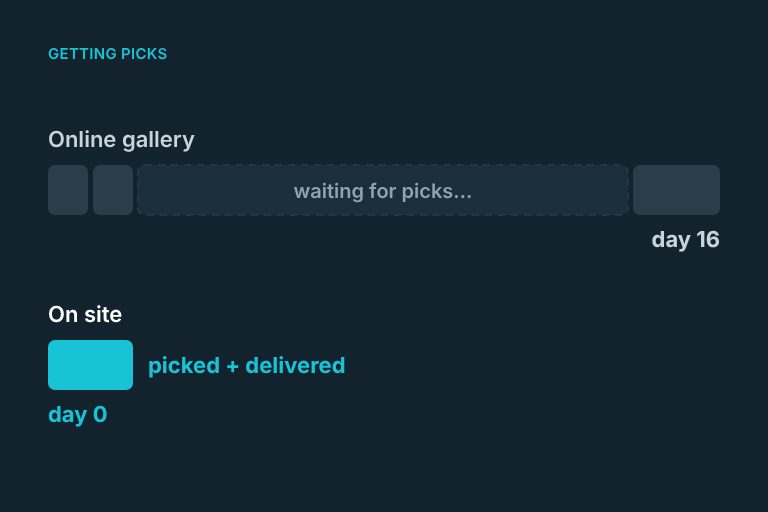
An attendee's experience isn't the photo, it's getting it. "We'll email it in two weeks" means half of them forget they were ever photographed. Aim for delivery the same day, ideally before they leave the booth. They post it to LinkedIn that afternoon, often tagging the event and the sponsor. That's the marketing the sponsor paid for.
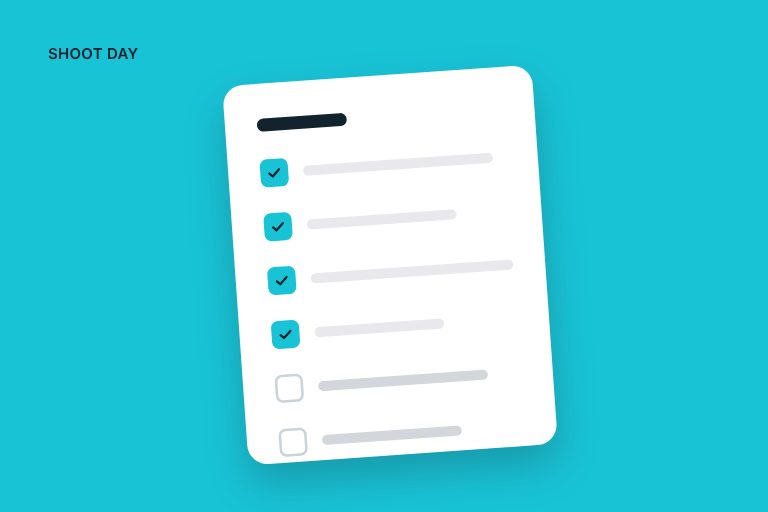
Day-of checklist
- Arrive 90 minutes early, build, light and test the tether
- Fire test frames at a host, check focus, exposure and the sitter screen
- Check-in device charged, sign-up form tested
- Water, snacks and a relief plan for the photographer and host
- Back up the capture folder at every break
- Track people photographed per hour so you can adjust
How ShootPick helps at a booth
ShootPick was built for exactly this. You keep tethering as usual. Each frame lands under the attendee in front of you, they choose their favorite on an iPad at the booth, and it arrives by email within a minute, under your brand or the sponsor's. Their email is captured for the lead list, and a review prompt shows while they're happy. Our explore page clicks through a full day.
FAQ
How many headshots can you take in a day at a conference?
With one camera and a host handling check-in, 150 to 200 people over a full day is realistic. A second station roughly doubles that.
How much space does a headshot booth need?
A standard 3 m × 3 m (10 ft × 10 ft) booth is enough for a queue, a touch-up mirror, a backdrop, lights and a tether station. More depth behind the sitter makes lighting easier.
How do attendees get their headshots?
The best booths deliver the same day, ideally by email before the attendee leaves, so they can share it while the event is still happening.